pixeldrain alternative: Send Shed vs. pixeldrain for private file sharing
pixeldrain has a good reputation, and it's earned: generous free limits and an unusually candid approach to how it makes money. It's just built for a different job than a private, one-to-one file transfer. Here's the honest comparison, including where pixeldrain is genuinely the better tool.
| pixeldrain Free | pixeldrain Pro (€4/mo) | Send Shed Encrypted Share (free account) | Why Send Shed | |
|---|---|---|---|---|
| Account required | No | Yes | Yes (free) | Encryption on a free account; no paid plan needed for privacy. |
| Max per file | 10 GB | 100 GB | 5 GB | pixeldrain takes bigger files. For those, peer to peer has no limit and stores nothing. |
| Download bandwidth | 6 GB/day | 4 TB / 30 days | Not metered per-file | No daily download cap for the people you send to. |
| Link expiry / auto-delete | Not automatic by default | Not automatic by default | 1 hr–30 days, your choice | Files delete themselves when you want, instead of sitting online indefinitely. |
| Zero-knowledge encryption | No | No | Yes, client-side AES-256-GCM | Encrypted in your browser, so we can't read it. |
| Password protection | Not a listed feature | Not a listed feature | Yes, free | Built in and free. |
| Ads | None currently — a Brave-browser referral link replaces the old ad slot | None | None | No ads and no referral links. |
pixeldrain's limits and prices change; check pixeldrain.com for current figures.
What pixeldrain is actually good at
pixeldrain's free tier is generous for a no-account service: up to 10 GB per file and 6 GB of download bandwidth a day, with hotlinking (embedding the file directly in a forum post, a Discord message, a webpage) as a first-class use case. Its Pro plan (€4/month) raises that to 100 GB per file and 4 TB of download bandwidth over 30 days, plus removes hotlinking restrictions. If what you need is a public, embeddable, permanent link for something large, pixeldrain is a strong choice.
It's also worth crediting pixeldrain's ad history: it previously ran ads through a third-party ad network on its download page, found the network was serving ads for pyramid schemes and social-media "hacking" services, and pulled the ad slot entirely rather than keep running it — replacing it with a simple Brave browser referral link that doesn't show at all to visitors already using Brave. That's a more transparent call than most free file hosts make.
Where the two tools diverge: private vs. public
pixeldrain is designed around persistent, publicly linkable files — it doesn't advertise built-in auto-expiry, download-count limits or password protection as features, and it doesn't offer client-side (zero-knowledge) encryption. That's not a flaw; it's just a different product shape, closer to a public CDN for files than a private mailbox.
Send Shed's Encrypted Share is built for the opposite case: something you want a specific person to receive, not the internet at large. Files are encrypted in your browser with AES-256-GCM before upload, so the key never touches the server; you set an expiry from 1 hour up to 30 days, an optional download limit, and an optional password. If you accidentally send a link to the wrong person, or just don't want a file sitting online indefinitely, that control matters.
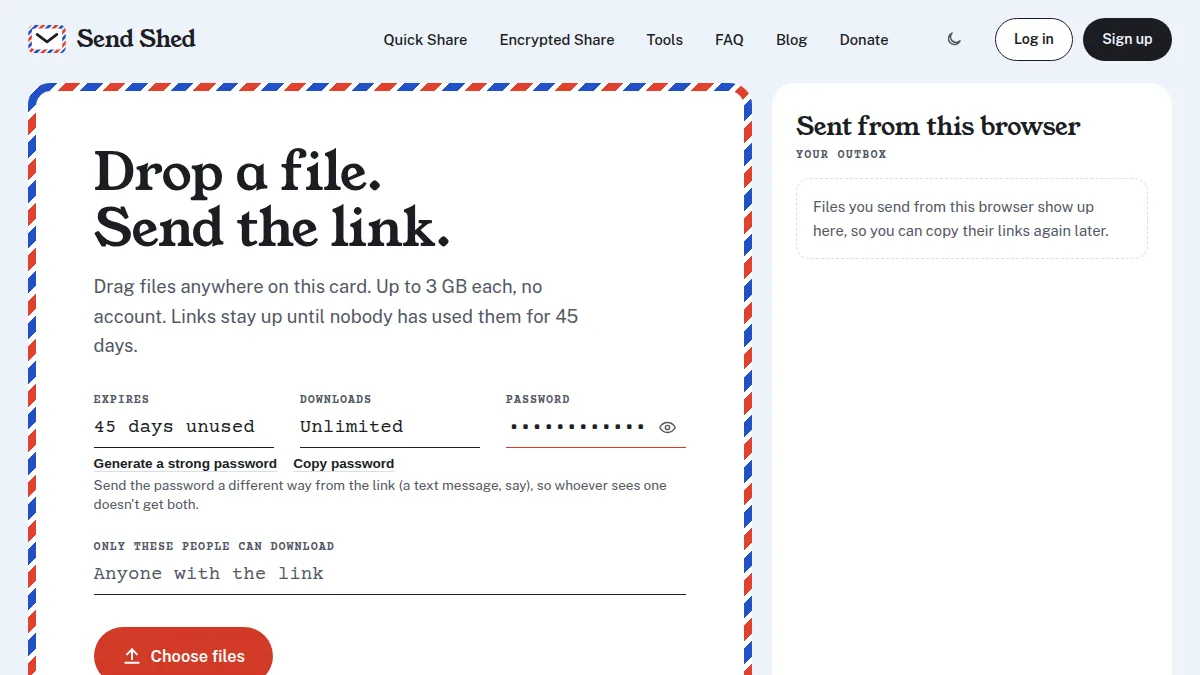
For files under 3 GB you don't need private at all, Send Shed's no-account Quick Share gets you a link just as fast as pixeldrain does, with the same auto-expiry options and a CSAM safety scan before the link goes live.
Bottom line
Use pixeldrain when you want a large file to live at a public, embeddable link for a while. Use Send Shed when you want to send something to someone specific, control when it disappears, or want the option of true end-to-end encryption.
The most common switch: how Send Shed compares with WeTransfer.
Try Send Shed instead
Encrypted, expiring, no ads. Pick a tier and get a link in seconds.
Quick Share a file Create a free account