Zero-knowledge encryption explained (and why it matters)
"Encrypted" gets used loosely enough in file storage and sharing that it's worth being precise about what it actually promises. Most services that call themselves encrypted mean something much weaker than what "zero-knowledge" means.
Encryption-at-rest vs. zero-knowledge encryption
The common version -- encryption at rest -- means your file is stored in encrypted form on the provider's disks, but the provider holds the key. They can decrypt it whenever they need to: to scan it, to comply with a legal request, to fix a bug, or just because their own systems need to read it to serve it back to you. This protects against someone stealing a hard drive from the data center. It does nothing to stop the operator itself from reading your file.
Zero-knowledge encryption means the operator never has the key at all, not even temporarily. The file is encrypted before it leaves your device, using a key generated on your device, and the only way to decrypt it is to already have that key. If the operator's entire database and storage were handed over tomorrow -- to an attacker, a subpoena, an employee who shouldn't see it -- there'd be nothing readable in it.
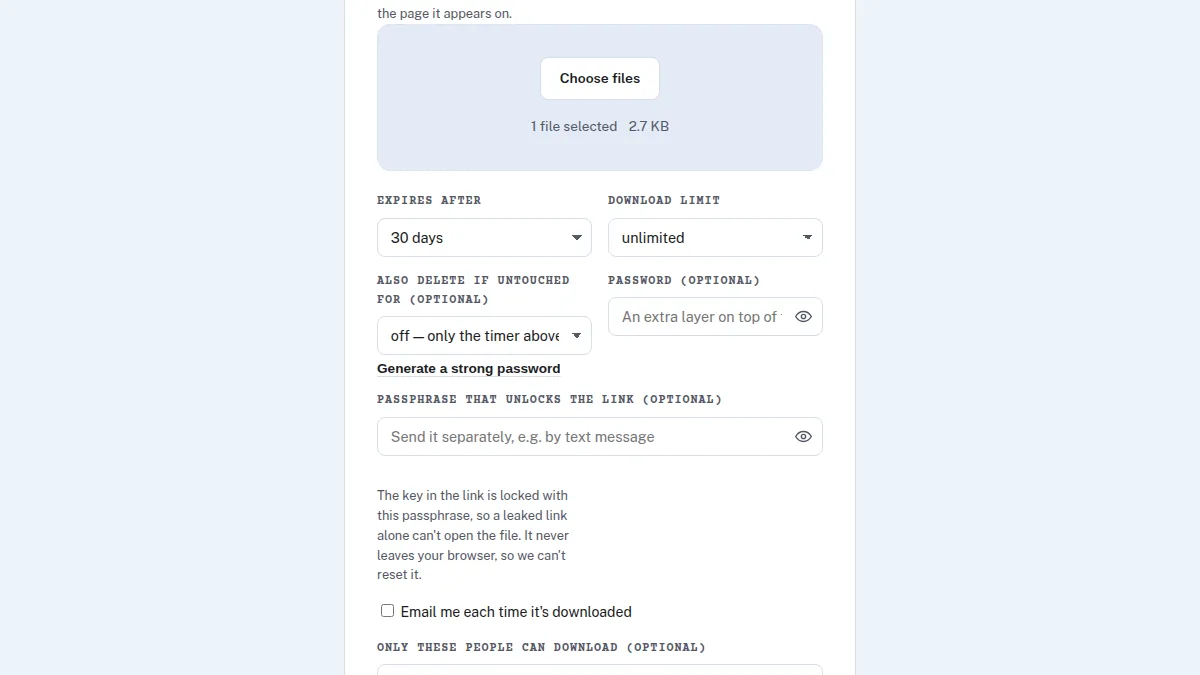
How this works in Send Shed's Encrypted Share
Encrypted Share encrypts the file and its filename in your browser with AES-256-GCM,
using the Web Crypto API, before anything uploads. The decryption key is generated on your
device and never sent to the server -- it lives only in the share link itself, in the part
after the # character. Browsers deliberately never transmit that part of a URL
to a server, so the key genuinely never reaches us. We store ciphertext only; there's no
version of "we could technically decrypt it if we wanted to."
This is also why zero-knowledge encryption comes with a real trade-off, and it's worth being upfront about it: it means the operator can't scan an encrypted file's contents either, for anything -- including automated safety screening. That's why Quick Share, which stores files unencrypted specifically so they can be checked against a known-CSAM hash list before a link goes live, exists as a separate tier rather than Send Shed encrypting everything by default. Zero-knowledge encryption is the right tool for something genuinely private; it isn't a feature you'd want silently applied to every upload with no way to screen anything.
More on keeping files private
- How to send an encrypted file
- Add a passphrase to an encrypted link, so a leaked link isn't enough
- How to send a password securely, with a note that reads once
- Request files from anyone, encrypted so only you can open them
- How to password-protect a file before you send it
- How to share a self-destructing file link
- Is it safe to email tax documents, contracts, or photos?
Try encryption the server can't see through
Free account, AES-256-GCM in your browser, key never touches the server.
Try Encrypted Share Read the full FAQ