How to send a large video file for free (no account needed)
Video is the file type that makes "just email it" fall apart fastest. A few minutes of 4K footage or a raw export from your editor runs into gigabytes, far past any email limit, and messaging apps shrink it to something you can't use. Here are the free ways to send it at full quality, and which suits which job.
Why the usual options ruin video
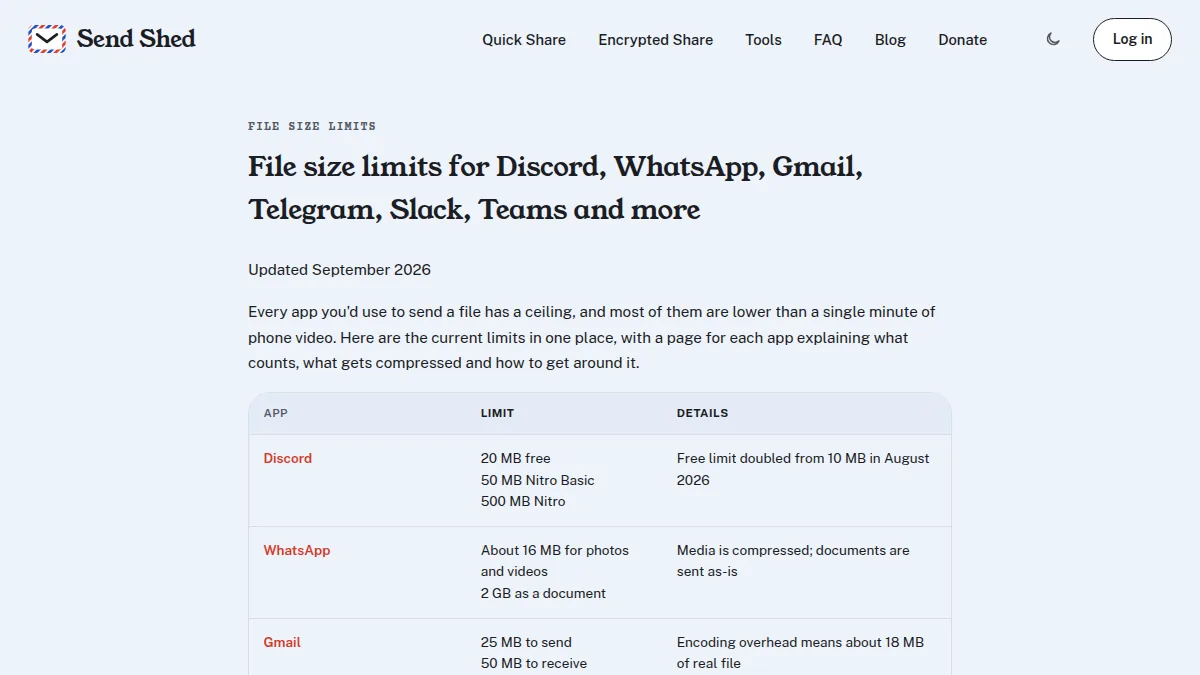
- Email tops out at 20 to 25 MB, a few seconds of 4K. See the Gmail and Outlook limits.
- Messaging apps re-compress video: fine for a quick clip, bad for footage you need to edit or deliver. See the WhatsApp, iMessage and Discord limits.
That leaves a link to the original file. The options below all keep the exact file you exported.
Free ways to send a big video, compared
| Option | Free size limit | How long it lasts | Account |
|---|---|---|---|
| Send Shed Quick Share | 3 GB per file | While people use it, or 1 hour to 7 days | No |
| Send Shed peer to peer | Any size | While your tab is open | No |
| Apple Mail Drop | 5 GB per message | 30 days | iCloud (Apple Mail) |
| WeTransfer Free | 3 GB in 30 days, up to 10 transfers | 3 days | No |
| Google Drive | Your 15 GB storage | Until you remove it |
Sources: Apple: Mail Drop limits; WeTransfer: plan limits and free transfers (checked 18 October 2026).
Sending video with Send Shed
- Open sendshed.com on your computer or phone and drop the video in. No account needed.
- Optionally set a download limit or a password.
- Copy the link when the upload finishes and send it.
The video plays right on its download page, and in Discord, Telegram and X when you paste the link. MP4 and MOV files are rearranged on upload so they start playing sooner. There's no re-encoding: the recipient downloads exactly what you sent. On an iPhone, this guide walks through it step by step.
Bigger than 3 GB?
- Any size: send it peer to peer, straight from your browser to theirs, while both of you are online.
- Private footage: a free Encrypted Share account encrypts it on your device first, up to 5 GB per file.
- Shrink it: HandBrake (free) can re-export at a lower resolution if the recipient only needs to watch it.
More on sending big files
- Email attachment too large? How to send files over 25MB for free
- Send huge files peer to peer, straight from your browser
- New: upload files from the terminal with one curl command
- File size limits for Discord, Gmail, WhatsApp and more
Quick answers
How can I send a large video for free without losing quality?
Send a link to the original file instead of attaching it. Send Shed's Quick Share takes up to 3 GB per file with no account, and peer-to-peer sending has no size limit.
Why does my video look blurry after sending it?
Messaging apps like WhatsApp and iMessage compress video to save data. A link to the file keeps the original quality.
How do I send a video that's too big to upload?
Use peer-to-peer sending, which streams the file directly from your browser to the recipient's with no size limit.
Send the file at its real size
No compression, no quality loss, no account required under 3 GB.
Quick Share a file Send peer to peer