Send huge files peer to peer, straight from your browser
Some files are too big to upload anywhere: a 60 GB video project, a disk image, a folder of RAW photos. Peer-to-peer sending skips the upload. The file goes directly from your browser to theirs, end-to-end encrypted, and is never stored on Send Shed.
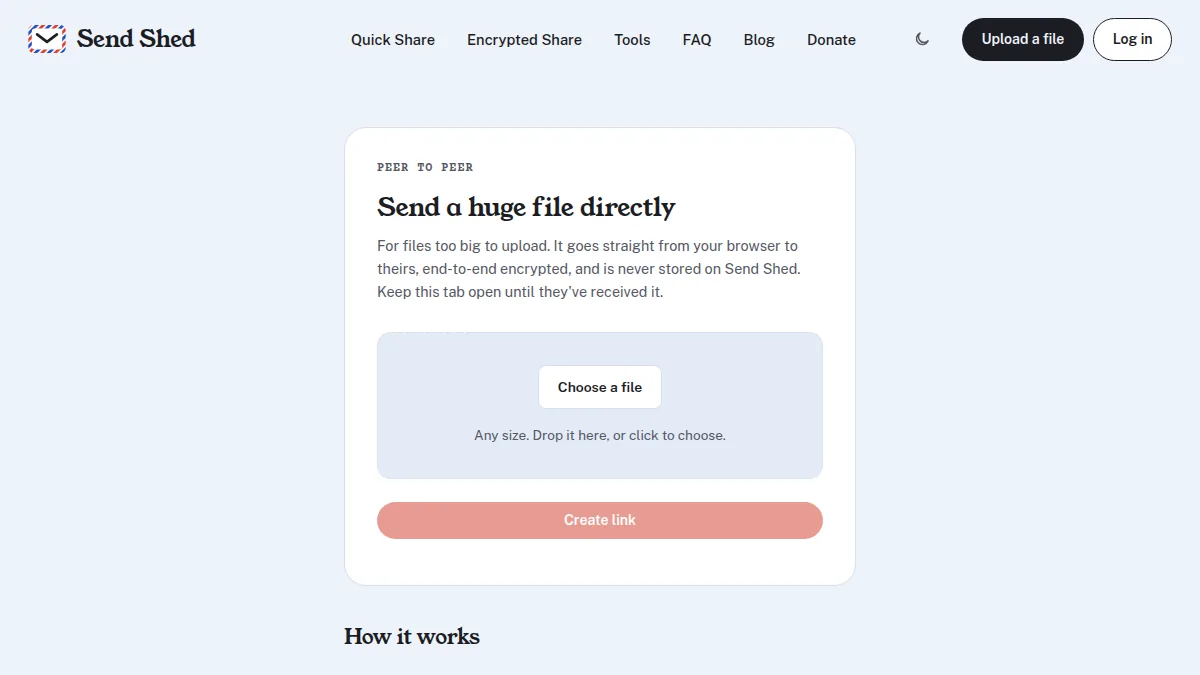
How to send a file peer to peer
- Open sendshed.com/p2p and choose the file. There's no size limit.
- Press Create link and send the link to the other person.
- Keep the tab open. When they open the link, the transfer starts and both of you see its progress.
No account is needed on either side, and nothing is uploaded in advance: the transfer runs while both pages are open.
How it works
The two browsers connect directly using WebRTC, the same technology video calls use. The file is split into
pieces, and each piece is encrypted with AES-GCM using a key that exists only in the link, after the #.
Send Shed's part is introducing the two browsers to each other; the file itself never passes through it.
Peer to peer, or upload?
| Peer to peer | Quick Share or Encrypted Share | |
|---|---|---|
| File size | Any size | Up to 3 GB (Quick Share) |
| Both online at once | Yes, the sender keeps the tab open | No, they download whenever they like |
| Stored on Send Shed | Never | Until it expires or goes unused |
| Works on strict networks | Not always | Yes |
Things to know
- Keep the tab open until they have the file. If you close it, the link stops working.
- Chrome and Edge on a computer save straight to disk, so any size works for the person receiving. Other browsers hold the file in memory, which suits files up to a few gigabytes.
- Each side can see the other's IP address, as on a video call, because the connection is direct.
- Some office and mobile networks block direct connections. If it can't connect, use Quick Share or Encrypted Share instead.
More on sending big files
- Email attachment too large? How to send files over 25MB for free
- How to send a large video file for free (no account needed)
- New: upload files from the terminal with one curl command
- File size limits for Discord, Gmail, WhatsApp and more
Quick answers
Is there a size limit for peer-to-peer sending?
No. The file streams from your browser to theirs. Chrome and Edge on a computer save straight to disk; other browsers keep the file in memory, which suits files up to a few gigabytes.
Does Send Shed store the file?
No. Send Shed only helps the two browsers connect. The file goes directly between them, encrypted with a key that is only in the link.
Do both people need to be online?
Yes. The sender keeps the page open until the transfer finishes. If that is not practical, upload with Quick Share or Encrypted Share instead.
Why won't it connect?
Some office and mobile networks block direct connections between browsers. Try another network, or use an upload instead.
Send something big
Choose a file, share the link, keep the tab open.
Send peer to peer Upload instead