Email attachment too large? How to send files over 25MB for free
"The message you are trying to send has attachments that exceed the allowed size" is one of the most common walls people hit day-to-day, usually with a folder of photos, a scanned contract, or an export that's just a little too big. Here's what each major provider actually allows, and the fastest free way past all of them.
| Provider | Send limit | Notes | How Send Shed helps |
|---|---|---|---|
| Gmail | 25 MB | Receiving is 50 MB; over 25 MB, Gmail auto-converts to a Google Drive link | A link instead of a Drive file: no Google account for the recipient, and it can expire. |
| Outlook.com | 20 MB | Same limit for sending and receiving; offers a OneDrive link over that | No OneDrive needed; one link works whatever mail app the recipient uses. |
| Yahoo Mail | 25 MB | Same for send and receive; Dropbox integration for larger files | No Dropbox account; paste a link of up to 3 GB. |
| iCloud Mail | 20 MB | Mail Drop raises this to 5 GB via an expiring link instead of a true attachment | Works from any mail app, not just Apple Mail, and on Android too. |
The real safe limit is lower than the stated one
Email attachments aren't sent as raw bytes -- they're Base64-encoded first, which inflates the file by roughly 33-37%. A file sitting right at Gmail's stated 25 MB cap can actually fail to send once encoded, because the encoded version pushes past the real server-side limit. If you're anywhere close to a provider's number, that's already a sign to use a link instead of an attachment, not a reason to compress harder.
The fix: stop attaching, start linking
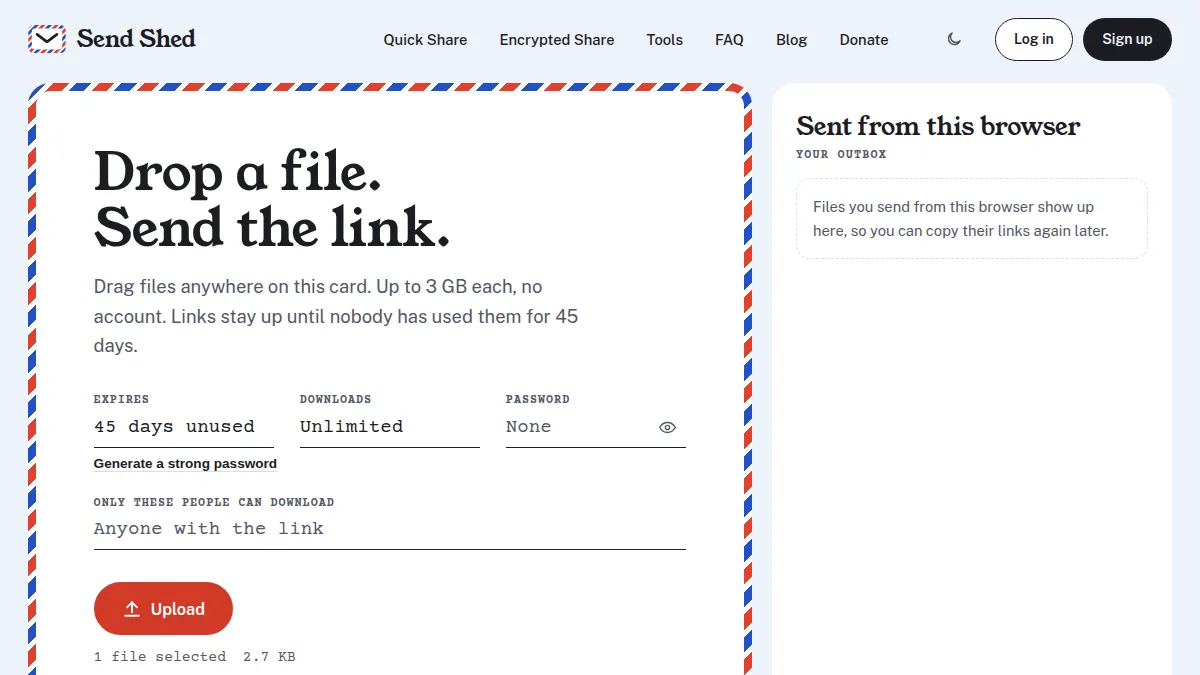
Every provider's own answer to this is the same shape -- convert your attachment into a link to a file sitting somewhere else (Google Drive, OneDrive, Mail Drop). Send Shed does the same job without tying the link to a specific email provider or account: drop a file into Quick Share, get a direct download link instantly, no account and up to 3 GB, and send that link however you'd have sent the email -- it works the same whether the recipient uses Gmail, Outlook, or anything else.
For anything above 3 GB, or anything you'd rather not have sitting in a plain, unencrypted attachment (tax paperwork, ID scans, contracts), a free Encrypted Share account raises the limit to 5 GB per file and encrypts it in your browser before it ever uploads.
More on sending big files
- How to send a large video file for free (no account needed)
- Send huge files peer to peer, straight from your browser
- New: upload files from the terminal with one curl command
- File size limits for Discord, Gmail, WhatsApp and more
Skip the size math entirely
No account, no compression, no "message too large" bounce-back.
Quick Share a file Create a free account